
Dubai’s public transport network keeps expanding, and most passengers want a simple way to know their travel budget before every trip. There is a question many travelers now have, which is How to Check Nol Card Balance in 2026? Knowing the remaining value helps prevent delays at stations and supports a smooth and predictable trip. This guide explains the process clearly so every traveler can stay prepared for daily their adventures.
How to Check NOL Card Balance | Quick & Easy Ways
1. Check NOL Card Balance Online (RTA Website)
Just follow the steps outlined below to check your Nol card balance online via the RTA website.
Step 01: Open the Official RTA Webpage
- Start by visiting the official Nol balance inquiry page
Step 02: Locate the ‘Check Nol Balance’ option
- Once you have identified this option, click on it
Step 03: Enter Your Nol Tag ID
- Type the 10-digit ‘Nol Tag ID’ exactly as printed on the back of your card without adding spaces or extra characters
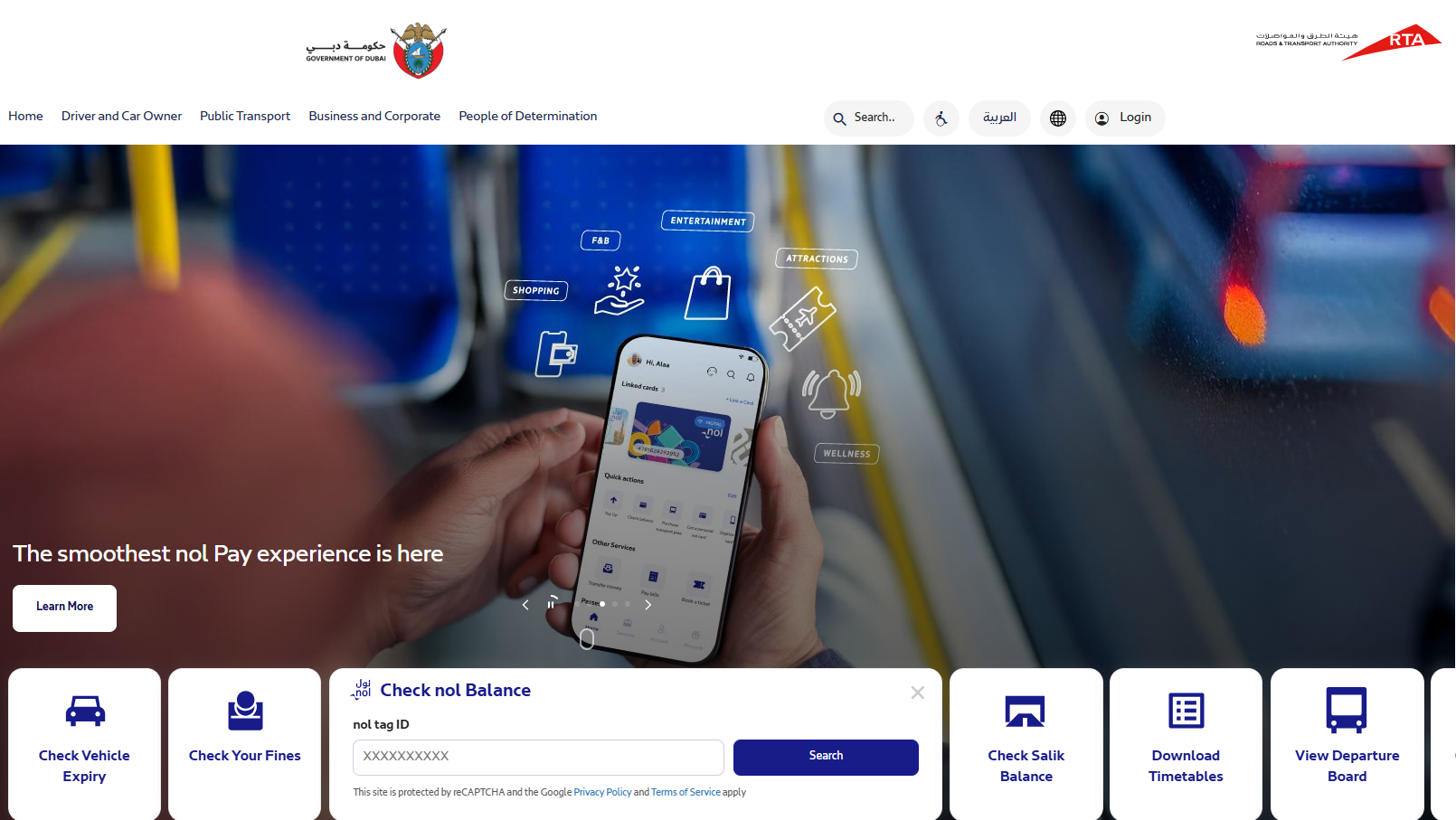
Step 04: Click the ‘Search’ Button
- Press the ‘Search’ button to allow the system to retrieve and display your current balance
Step 05: View Your Nol Card Balance
- Review the balance and basic transaction details shown on the screen to confirm your available amount.
2. Check NOL Balance Using the RTA Dubai App
The RTA Dubai app gives users a simple way to view their Nol card balance on their phones, and the steps below explain exactly how to do it.
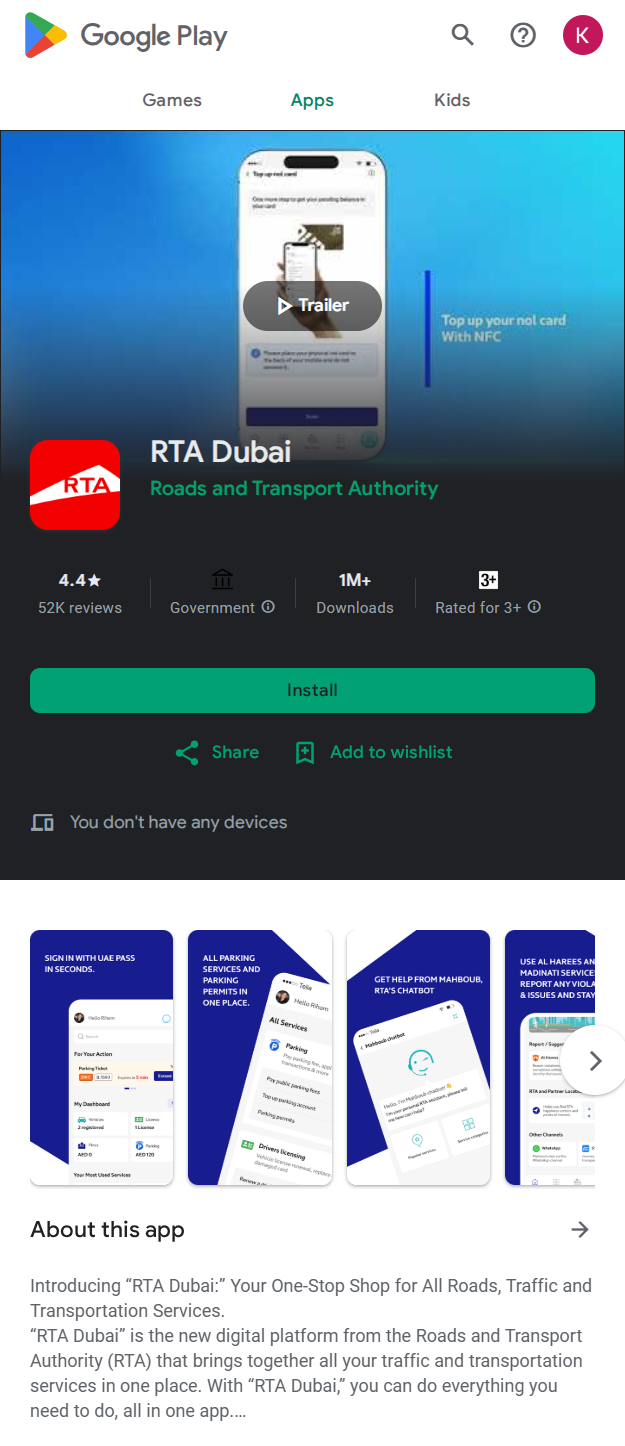
Step 01: Install the RTA Dubai App
- Download the official RTA Dubai app from the Google Play Store or the Apple App Store
Step 02: Open the App and Log In
- Launch the app and sign in using your existing RTA account or create a new account if required
Step 03: Select the Public Transport Section
- Launch the app and tap on the ‘Public Transport’ category from the main menu
Step 04: Select the Nol Services Option
- Choose the ‘Nol Services’ tab to access features related to balance and card details
Step 05: Tap the Balance Inquiry Feature
- Open the ‘Balance Inquiry’ section where the app allows you to check your card status
Step 06: Enter or Scan Your Nol Tag ID
- Type in your ‘Nol Tag ID’ or use the supported scan feature to fetch your card information
Step 07: View Your Updated Balance
- Review the balance displayed on the screen which reflects the latest value available on your card.
If you prefer tracking older transactions inside the app, you can easily view your NOL card balance history for a clearer record of previous trips.
3. Check Balance via NOL Pay App (Official Wallet App)
Here’s how to check balance of your card through Nol Pay.
Step 01: Install the Nol Pay App
- Download the official Nol Pay app and wait for the installation to complete
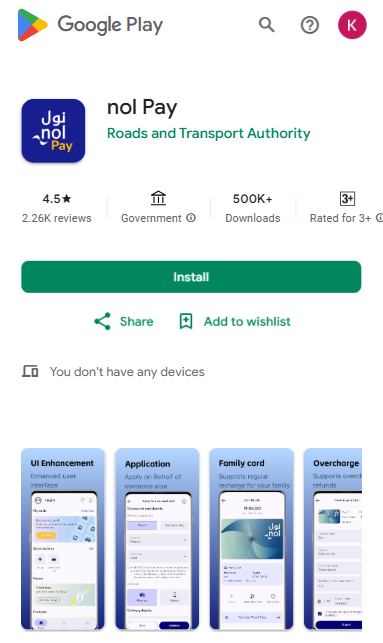
Step 02: Open the App for the First Time
- Launch the app and allow the initial loading process to finish so the interface can display all available features
Step 03: Create or Log In to Your Account
- Sign in using your existing RTA credentials or create a new account by entering your email, mobile number, and verification details.
Step 04: Navigate to the Linked Cards Section
- Open the linked cards area which appears on the main dashboard and is designed to store all Nol cards added to your profile
Step 05: Add Your Nol Card to the App
- Tap the ‘Add Card’ option and enter your ‘Nol Tag ID’ exactly as printed on your card or use the scan feature if your device supports NFC
Step 06: Allow the App to Sync Your Card Details
- Wait a moment while the app retrieves your card information from the RTA system and prepares your balance data
Step 07: Open the Balance Display Page
- Select your card from the linked list to view the balance section where your remaining value and recent usage are shown clearly
Step 08: Review Your Current Nol Card Balance
- Check the displayed amount which reflects your updated balance. You can also recharge your Nol card online for your next trip if needed.
4. Checking NOL Card Balance via SMS
You can check your Nol card balance through an SMS by following these steps.
Step 01: Open Your Messaging App
- Launch the messaging app on your phone with an active mobile signal
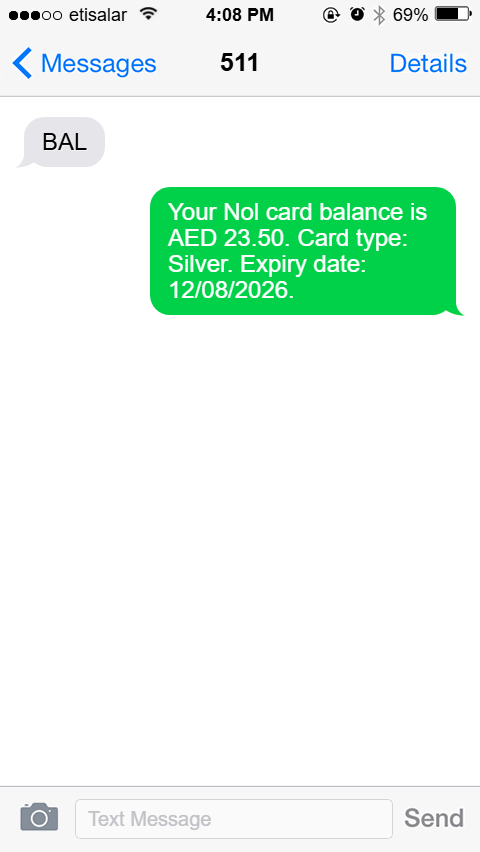
Step 02: Type Your Nol Tag ID
- Enter your ‘Nol Tag ID’ exactly as printed on the back of your card
Step 03: Send the SMS to 511
- Send the message to ‘511’ to allow the system to process your request
Step 04: Wait for the Reply Message
- Receive an SMS that contains your updated card balance.
5. Nol Card Balance Check with Number
Here are quick steps to check your Nol card balance with number.
Step 01: Dial the Official RTA Helpline
- Call 800 9090 from any mobile or landline to reach the RTA customer support center
Step 02: Choose the Nol Card Service Option
- Follow the automated menu and select the option related to ‘Nol card services.’
Step 03: Provide Your Nol Tag ID
- Enter the 10 digit Nol Tag ID printed on the back of your card when requested by the system or the support agent
Step 04: Wait for Verification
- Allow the system to verify your card details and fetch your balance information
Step 05: Receive Your Current Balance
- Listen to the balance provided by the automated system or the customer service representative.
6. Check NOL Card Balance at Metro and Bus Stations
Many commuters prefer to check their card balance directly at metro and bus stations. This is because the information updates instantly and does not require an online login or app installation.
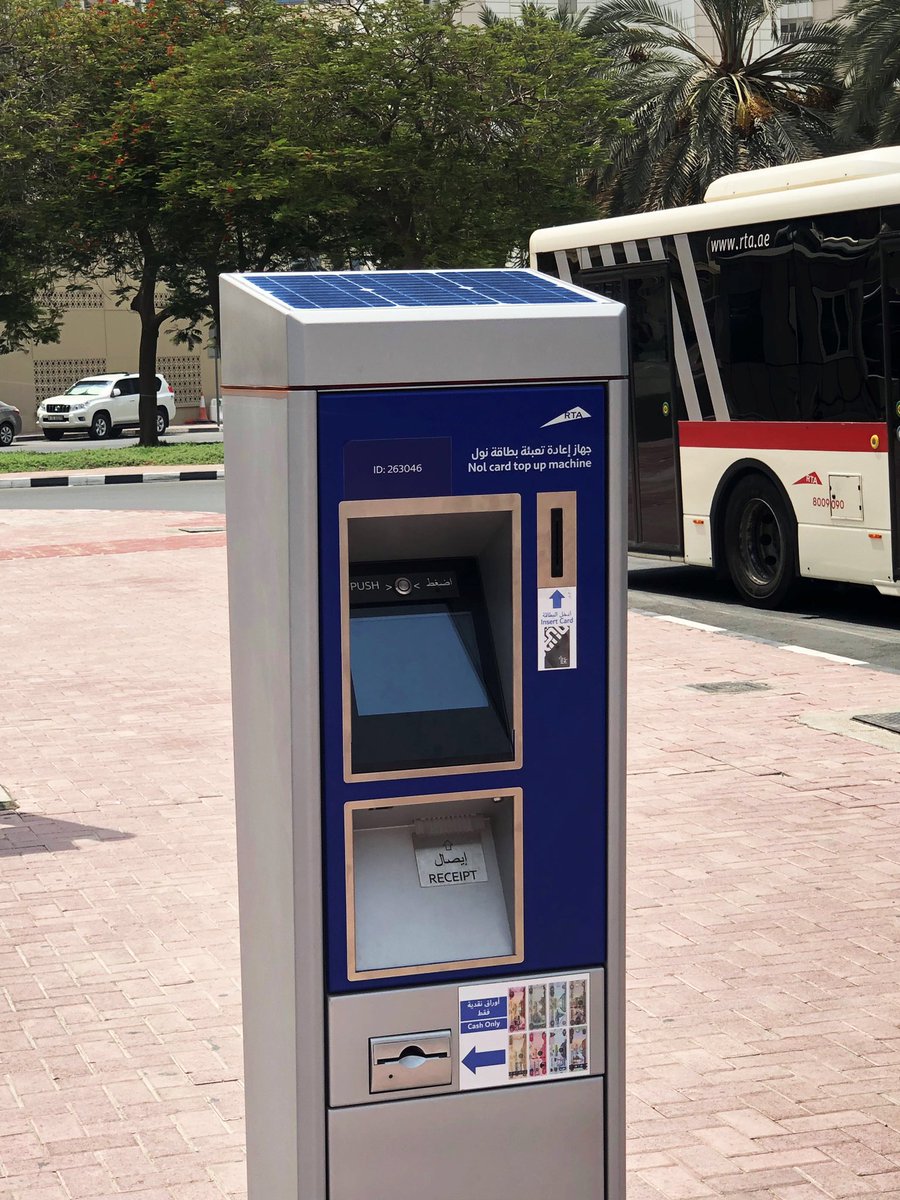
Step 01: Locate a Ticket Vending Machine
- Find a ticket vending machine inside any metro station or major bus station since these machines provide quick access to balance information
Step 02: Insert or Tap Your Nol Card
- Place your card on the machine’s reader or insert it into the designated slot depending on the type of machine available
Step 03: Wait for the Machine to Read the Card
- Allow the system a brief moment to scan your card details and connect to the RTA network to fetch your updated balance
Step 04: View Your Displayed Balance
- Check the screen where your Nol card information appears along with basic information such as card type and recent deductions
Step 05: Use the Ticket Office if Needed
- Visit the station ticket office if you prefer assistance since staff members can scan your card and provide your balance instantly.
7. Check Balance Through Automatic Fare Gates (Metro and Tram)
Automatic fare gates at metro and tram stations provide one of the quickest ways to view your Nol card balance.
Step 01: Approach the Fare Gate Scanner
- Walk toward the entry or exit gate and locate the round card scanner placed on top of the gate panel
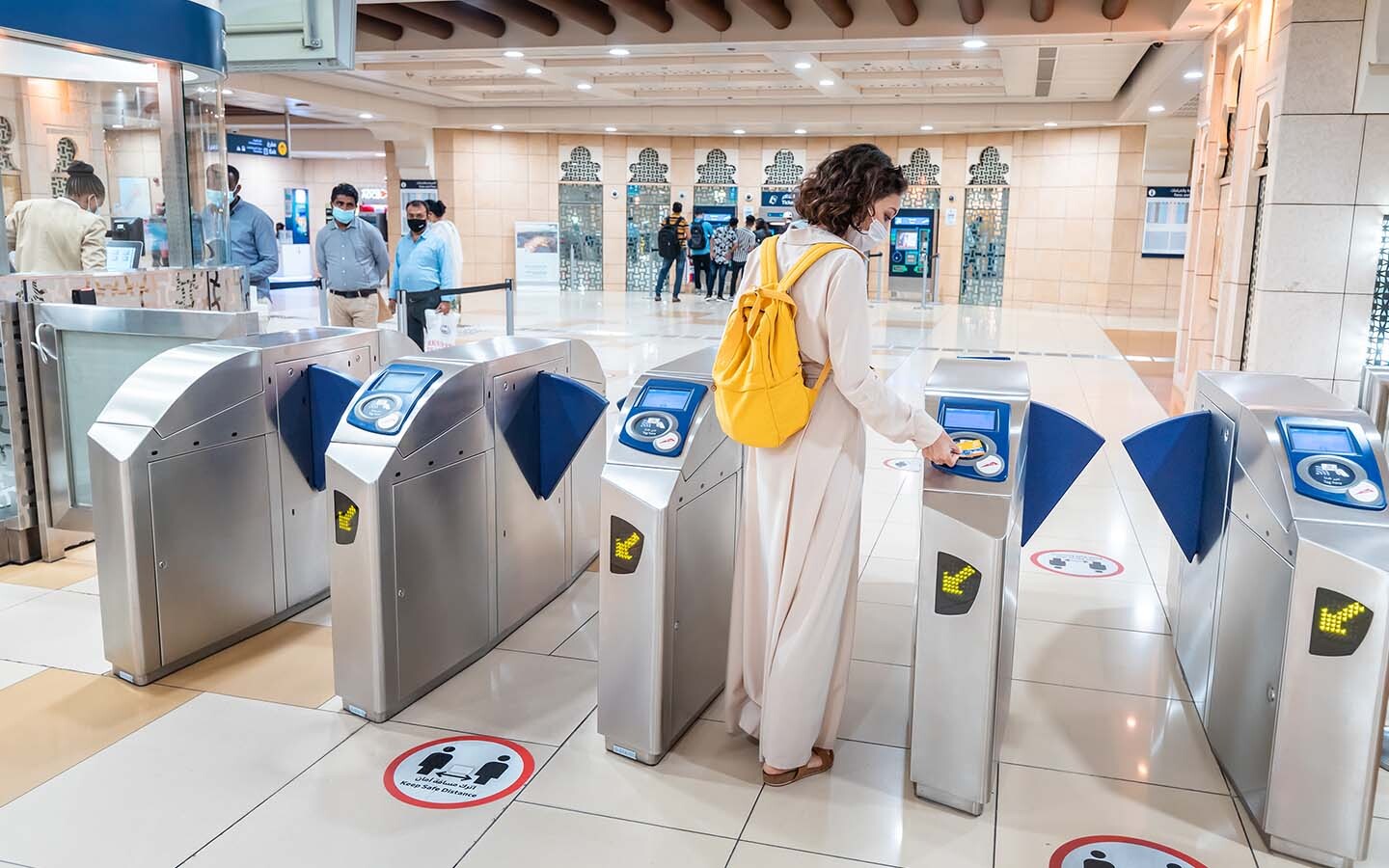
Step 02: Tap Your Nol Card on the Scanner
- Hold your card flat against the scanner and keep it steady for a moment so the system can read the embedded chip correctly
Step 03: Wait for the System to Process Your Card
- Allow the gate to process your card information while the display updates to show your current balance and travel status
Step 04: Read the Displayed Balance on the Screen
- Check the small digital screen beside the scanner where your remaining balance appears for a short moment after the tap
Step 05: Confirm Gate Access or Exit
- Proceed through the gate once it opens for entry or exit because the displayed balance confirms that your card has been successfully processed.
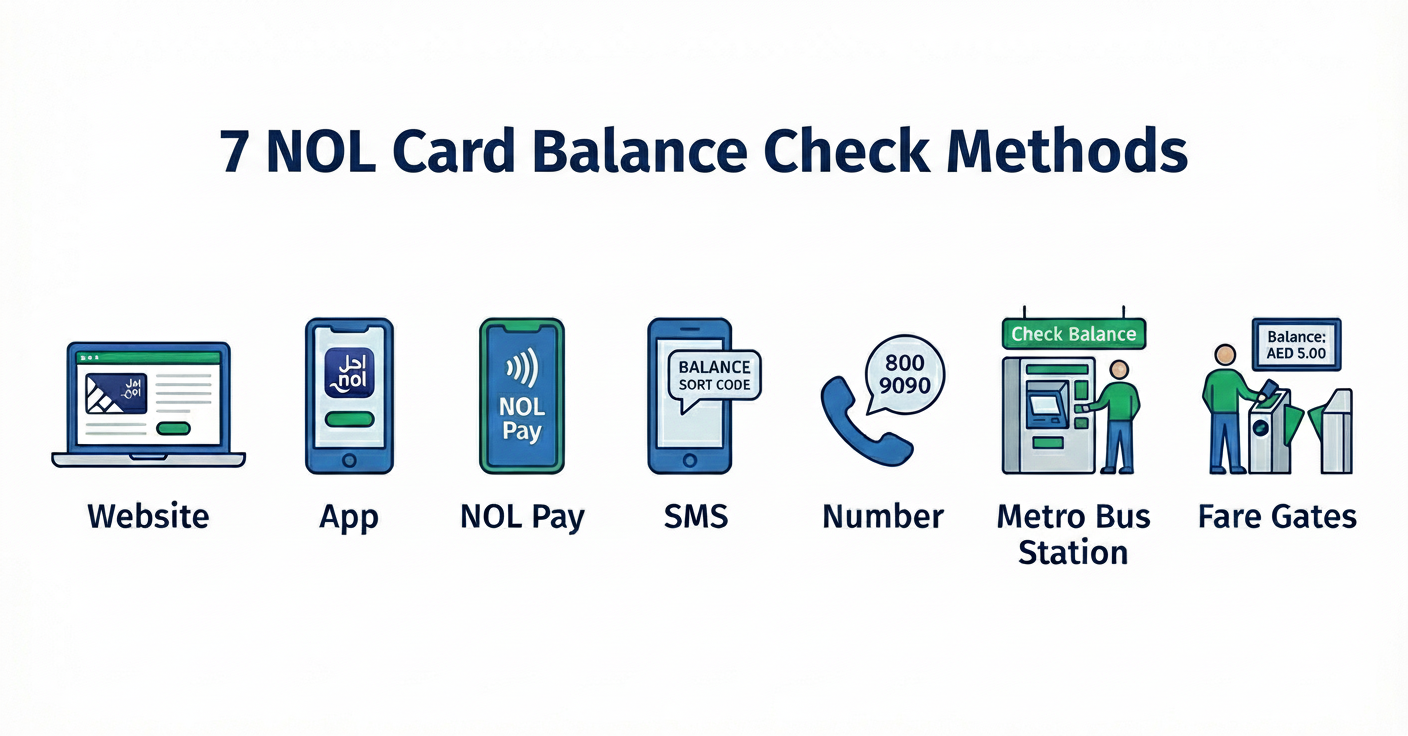
Different Nol Card Balance Check Methods
Dubai offers several simple methods of reviewing your Nol card balance, and each option provides quick access to accurate information.
These methods include online tools, mobile applications, station machines, and offline services for complete convenience.
RTA website users can check their card balance by entering the ‘Nol Tag ID’ on the official inquiry page.
RTA Dubai app users can view their updated balance after logging in and accessing the Nol services section.
Nol Pay app users can see their balance instantly once the card is added to the digital wallet.
Automatic fare gates at metro and tram stations reveal the remaining balance immediately after a card tap.
SMS service users receive their balance information by sending their Nol Tag ID to the official RTA number.
RTA helpline callers can hear their current balance after providing their Nol Tag ID to customer support.
Conclusion
A wide range of convenient methods make it easy for every passenger to conduct a quick Nol card balance check before each trip. Whether you prefer online tools, mobile apps, station machines, or simple offline options, each method ensures you always know your available amount before starting your trip. Staying informed helps you avoid unnecessary inconveniences and supports a pleasant travel experience in Dubai.