
The NOL card plays a central role in daily transportation across Dubai, offering easy access to the metro, buses, trams, and water transport. To keep your travel uninterrupted, it’s important to Recharge NOL Card Online or offline using methods that are both quick and reliable. Convenient top-up options make it possible to stay ready for every trip, even during the busiest hours.
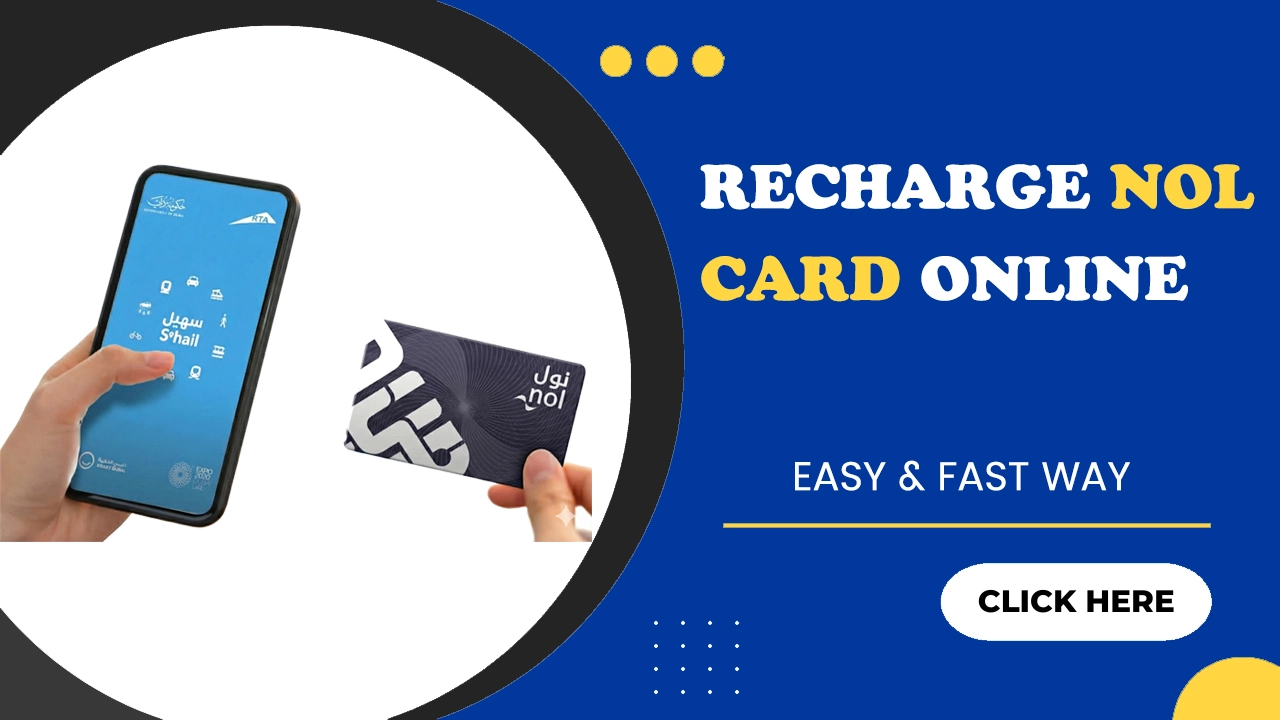
How to Recharge NOL Card Balance?
Recharging your Nol card balance is a simple process that works for all types of users. You can choose digital options or visit nearby physical locations based on your preferences. The methods below explain each option in an easy step-by-step manner.
Method 1: RTA Website
Many travelers in Dubai find the official website of the Roads and Transport Authority (RTA) the easiest place to recharge their Nol Card online. Follow the steps below to complete your recharge quickly.
Step 02: Enter your Nol Tag ID (printed on the back of your card) and your email address.
Step 03: Choose the amount you wish to recharge and solve the required CAPTCHA if you are asked.
Step 04: Proceed with payment using accepted options such as a debit or credit card.
Step 05: After payment, wait roughly 45 minutes to 4 hours for the balance to appear.
Method 2: RTA Dubai App
The RTA Dubai app lets you top up your card using a smartphone without visiting a metro station or kiosk. Please follow the steps below to recharge your account balance.
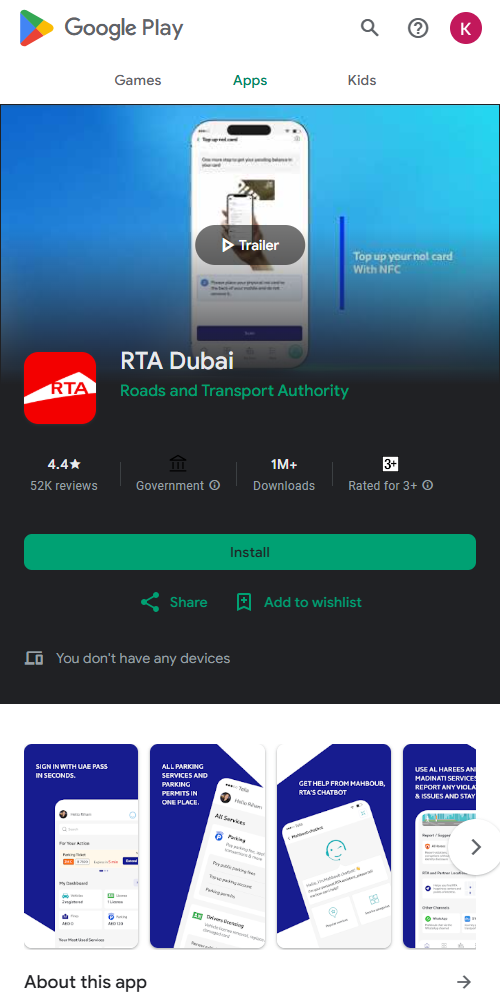
Step 02: Open the app and login or register if you are a new user.
Step 03: Go to the “Top Up NOL Card” section in the app menu.
Step 04: Enter your Nol Tag ID (the 10-digit number on the back of your card) correctly.
Step 05: Choose the amount you want to recharge.
Step 06: Select a payment method (debit/credit card, digital wallet, or other accepted payment options).
Step 07: Confirm and complete the payment.
Method 3: S’hail App
Below are the exact steps to recharge via the app
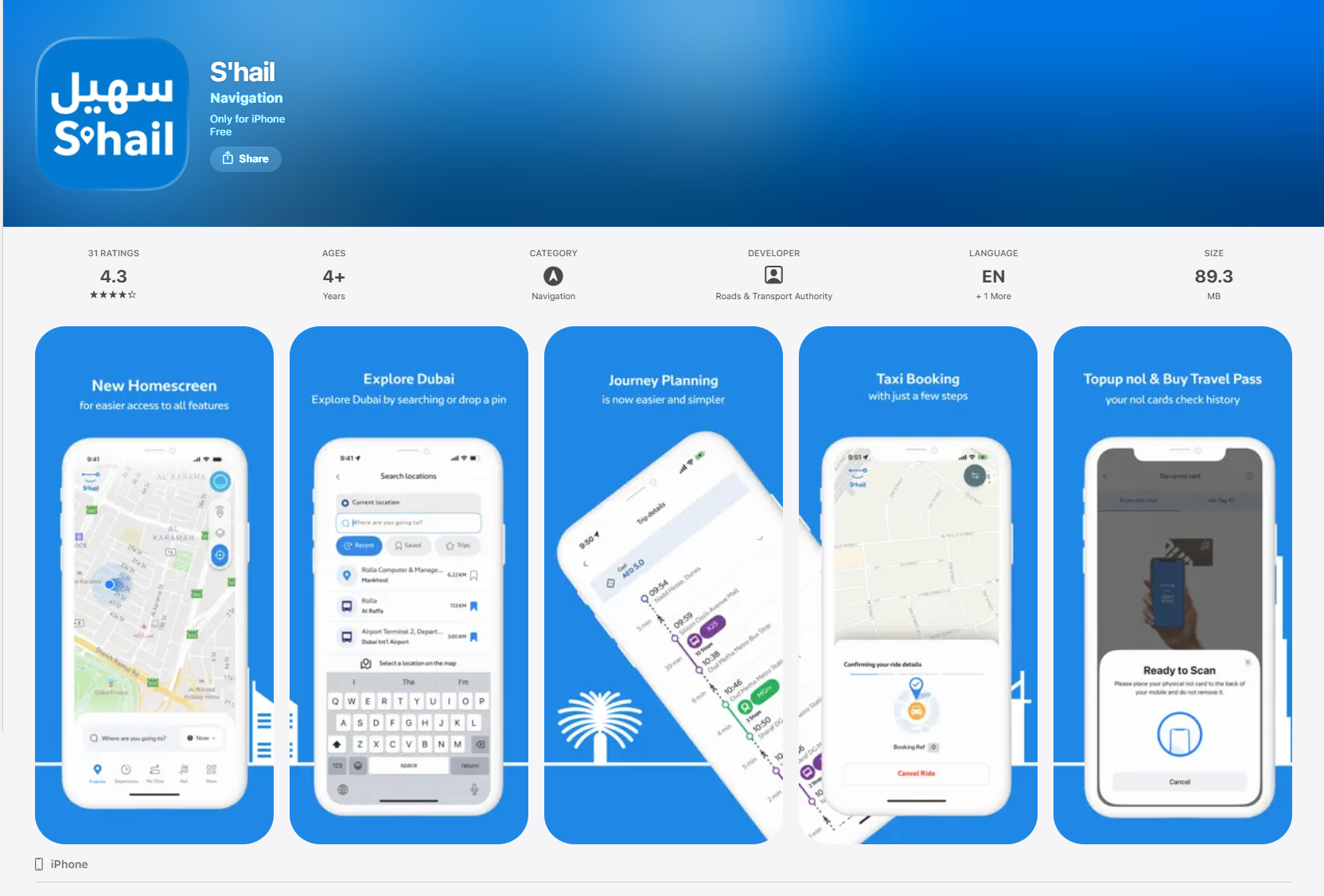
Step 02: Open the app and login with your registered credentials.
Step 03: Tap on the “Top Up” option on the home screen.
Step 04: Enter your Nol Tag ID (the 10-digit number on your card) when prompted.
Step 05: Select the amount you want to recharge.
Step 06: After payment, wait for the balance to reflect (usually within 45 minutes to 4 hours) before using the card.
Method 4: Nol Pay Kiosks
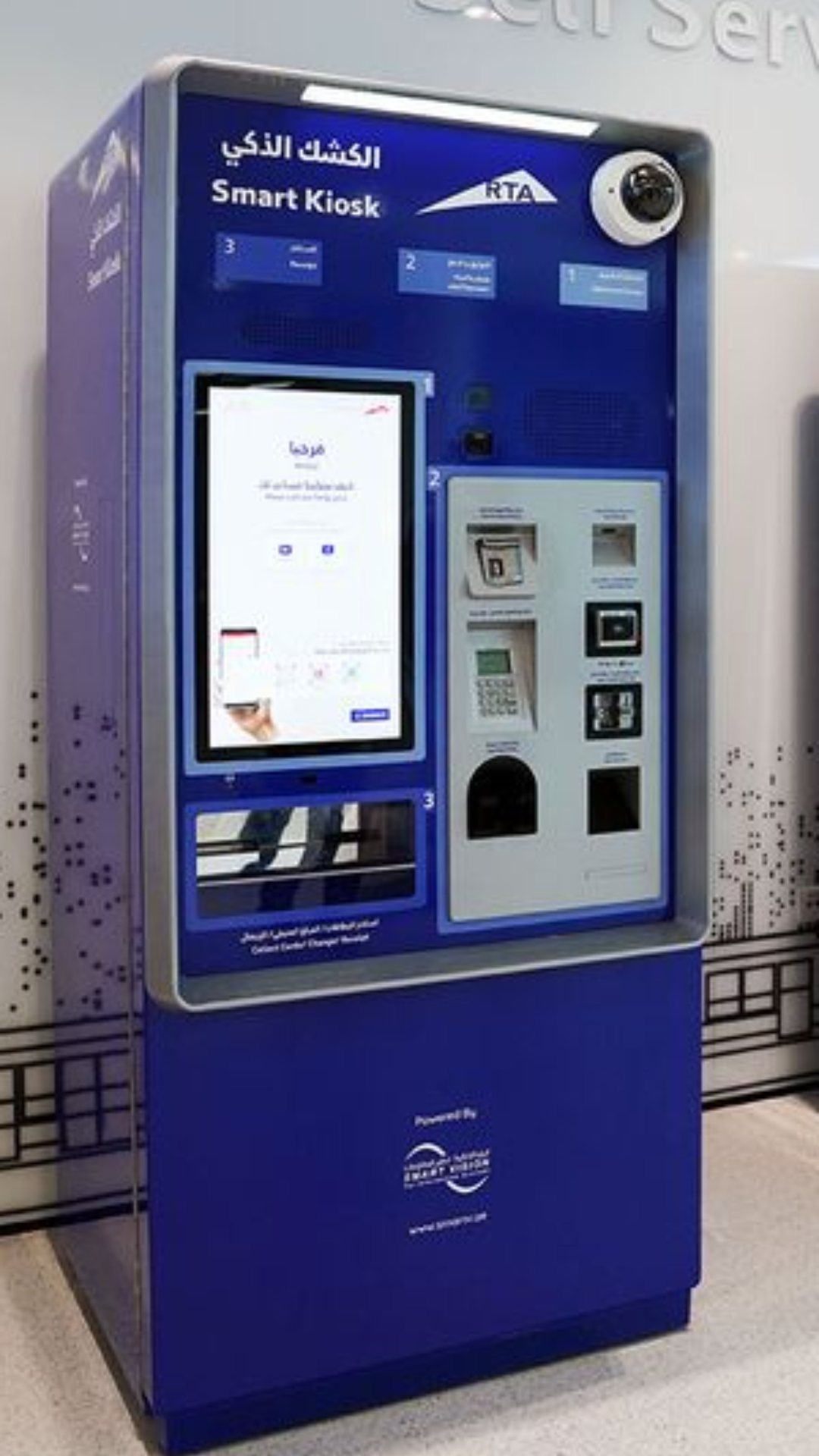
Nol Pay Kiosks are placed in many busy areas across Dubai and they offer a quick way to recharge your card without waiting in long lines. These kiosks work through a simple touch screen that guides you through each step with clear on-screen instructions.
You only need to insert your Nol card, choose the recharge amount, and pay using cash or a debit card. You can then wait for the machine to load the balance instantly. This option is ideal for users who prefer a fast offline recharge method that works without the need for an app or an internet connection.
Method 5: Ticket Vending Machines
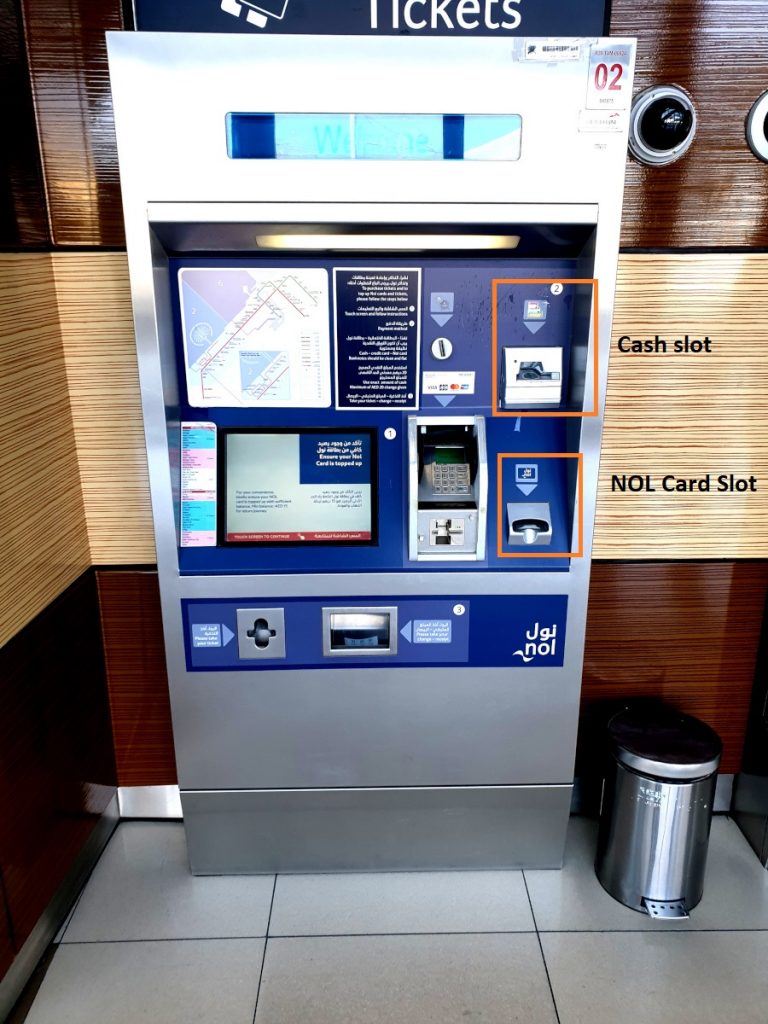
Ticket vending machines are available at all metro stations and many bus stops in Dubai, and they offer a fast way to recharge your Nol card at any time. These machines have a simple touch screen that lets you view your balance, select a recharge amount, and complete payment with cash or a card.
Once the payment is done, the machine updates your card on the spot. This makes it one of the quickest offline options for regular commuters.
How to Check Your Nol Card Balance After Recharge?
You can check your card balance through several easy methods that work for both online and offline users. Many travelers also use these platforms to keep track of their NOL card transactions when they want a record of past trips and deductions. The RTA app, S’hail app, and the RTA website let you see your updated account with a few taps. You can also use ticket vending machines or Nol kiosks at metro stations to check your balance instantly after every recharge.
What are the Minimum & Maximum Recharge Limit Details
You must keep at least AED 7.50 on your Nol card for travel to work properly on a metro, bus, tram or water ride. Anonymous (unregistered) cards can hold up to AED 1,000 in maximum balance. Registered or personalised cards (for example Blue or registered Silver/Gold) can have a maximum balance of up to AED 5,000.
For offline top-ups at metro counters or ticket machines, the minimum top-up amount recently rose to AED 50. When recharging online or via approved apps/websites, there is no such high minimum for all card types.
Safety & Best Practices for Secure Recharges
Many users prefer to recharge through these RTA official methods, so it is important to follow safe practices during every transaction. Before recharge, some travelers also check their Nol balance by number to confirm their remaining credit and decide on the right top-up amount. Simple precautions will help you to protect your account and payment information from misuse. These are some of the main points to consider.
- Use only official platforms like the RTA app, S’hail app, Nol kiosks, or the RTA website.
- Avoid public Wi-Fi while making online payments to prevent data risks.
- Check the website link before paying and look for a secure payment gateway.
- Keep your Nol card number private and do not share it with others.
- Save your payment receipt or confirmation message for later reference.