
Many residents in the UAE depend on public transport to get around efficiently each day. When you understand how to Check NOL Card Balance History, you’re better prepared for every trip and every fare. Since the card plays a key role in navigating Dubai, knowing how it works gives you more confidence and control as a commuter.

In this guide, you will learn how to check your Nol transaction history in clear and simple steps. You will also understand each method that shows your recent trips, fare deductions, and remaining balance through a simple NOL card balance enquiry after every outing.
This information helps you plan your travel budget and avoid issues during busy days. When you stay informed, you can travel with confidence and have full control over your daily expenses.
What Is an NOL Card?
An Nol card is a smart card used for travelling across Dubai on public transport. It allows you to pay for metro trips, tram rides, bus journeys, and water bus services. You can also use the card for parking payments in selected RTA zones. The card comes in four main types that help with different travel needs. These types are Red, Silver, Gold, and Personalized. Each card type offers its own features and limits for daily travel. The Nol system gives you a simple and secure way to move around the city.
Why You Should Regularly Check Your Nol Card Balance History
Regular checks of your Nol history can keep your trip enjoyable and trouble-free. Many passengers face delays when their card has low credit at busy stations. A quick Nol card balance check by number can help you avoid this problem during peak hours. It also helps you track your daily and monthly travel expenses with clarity.
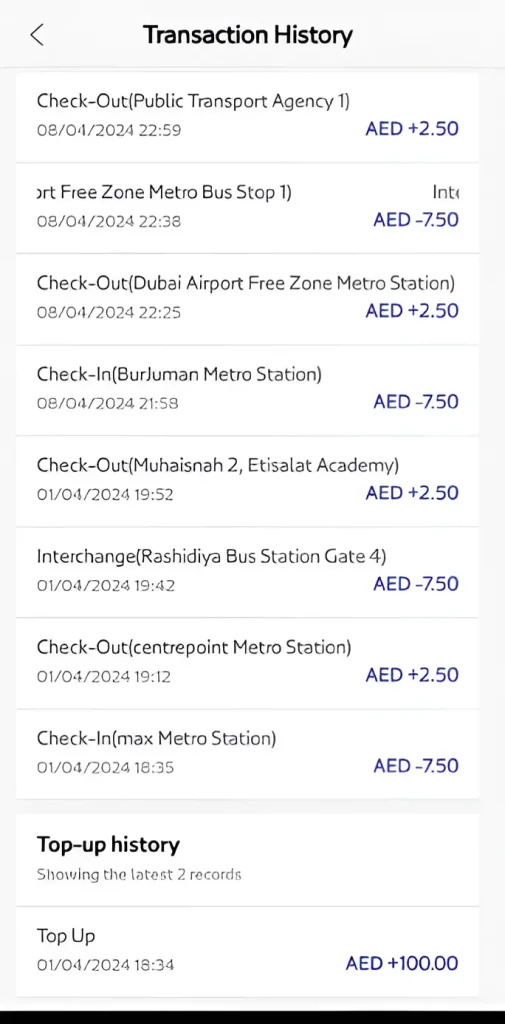
You can see how much each trip costs and adjust your budget easily. Regular checks also help you spot any unauthorized or incorrect deductions. This protects your money and keeps your travel records accurate. When you know your balance, you will also know the right time to recharge. This simple habit keeps your travel routine organized and reliable.
Different Ways to Check Nol Card Balance History
You can check your Nol Card balance history through online and offline methods. These option gives you quick access to your recent travel activity. Below, we have provided complete details about each method.
1. RTA Website:
Checking your Nol Card transaction history via the Roads & Transport Authority site is often the most reliable method for full trip details. Here are tips for checking via the RTA Website:
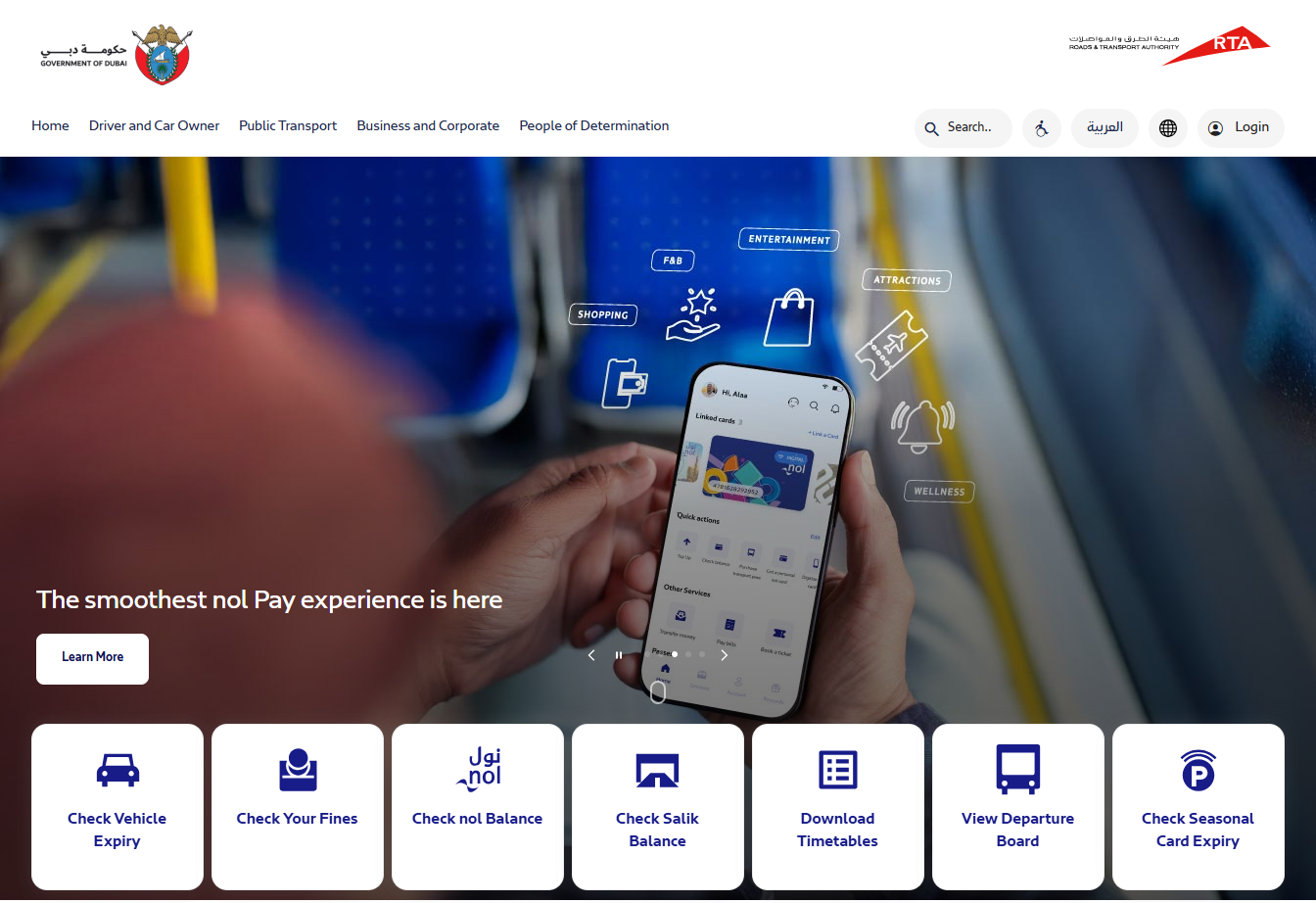
- Open your browser and visit the official RTA website.
- Navigate to the “Public Transport” section, then select “NOL Cards and Services.”
- Click on the “Check Nol Balance and History” option.
- Enter your 10-digit Nol Tag ID (found on the back of your card).
- Complete any security verification or captcha if required, then click “Submit” to view your transaction history.
A lot of users check their trip details on this website and then top up their NOL cards when they see their balance is low.
2. RTA Dubai App:
This method keeps all your card activity right in the palm of your hand. Here are the steps to check with the app.
- Download the official RTA Dubai app from the Google Play Store (Android) or Apple App Store (iOS).
- Open the app and login using your RTA account credentials or register a new account if needed.
- Navigate to the “My NOL” section on the app menu.
- Select the “Transaction History” option.
- Enter your NOL tag ID when asked, and submit to view your recent trip records.
3. Nol Pay App
Using the Nol Pay App is among the easiest ways to view your Nol transaction history from your phone. You can follow these steps:
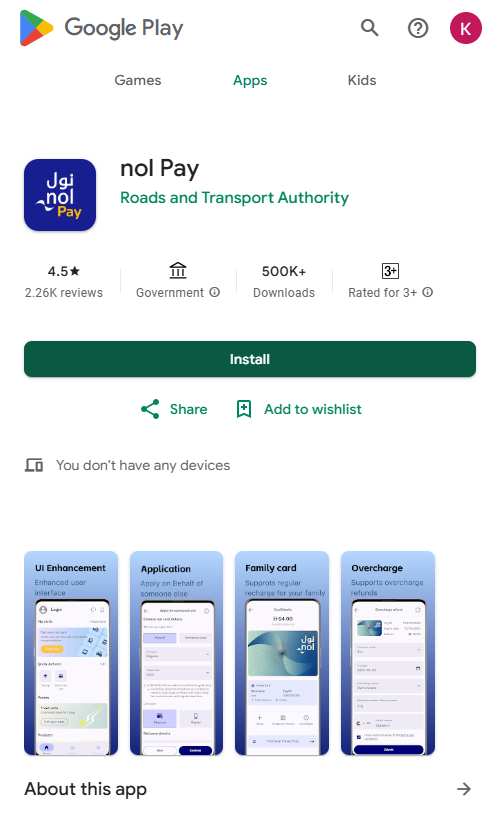
- Download and install the official Nol Pay App from the Google Play Store (for Android) or Apple App Store (for iOS).
- Open the app and login or register if you have not used it before.
- In the app menu, go to the section “My Cards” and add or link your physical Nol Card by entering the card number or using NFC (if your phone supports it).
- Once linked, navigate to the “Transactions” or “Travel History” tab in the app to view recent transactions.
4. Customer Service Centers
You can also check your card history by visiting an RTA customer service center or a metro station counter. Staff members can assist you by accessing your recent travel activity and printing a summary when needed. This option is helpful for users who prefer in-person support or need an official copy of their trip records for verification.
Benefits of Checking Your Nol Card History
There are multiple benefits to frequently reviewing your Nol card history. Below, we have outlined some of the main advantages.
- Track your exact fare deductions for every trip.
- Helps you notice any wrong or unexpected charges.
- Supports quick refund requests with clear records.
- Shows your monthly travel pattern for better budgeting.
- Helps students and workers manage their daily commuting costs.
- Reduces the chance of balance issues during busy travelling hours.
Final Thoughts
Keeping an eye on your Nol Card transaction history is a simple habit that makes daily travel much easier. It helps you stay aware of your spending, avoid unexpected issues, and maintain a consistent routine across Dubai’s transport network. With RTA online tools and mobile apps, checking your history takes only a moment and gives you full clarity on every trip. When you review your records regularly, you can travel with confidence, control, and complete peace of mind.